Quick Answer: What Is API Integration?
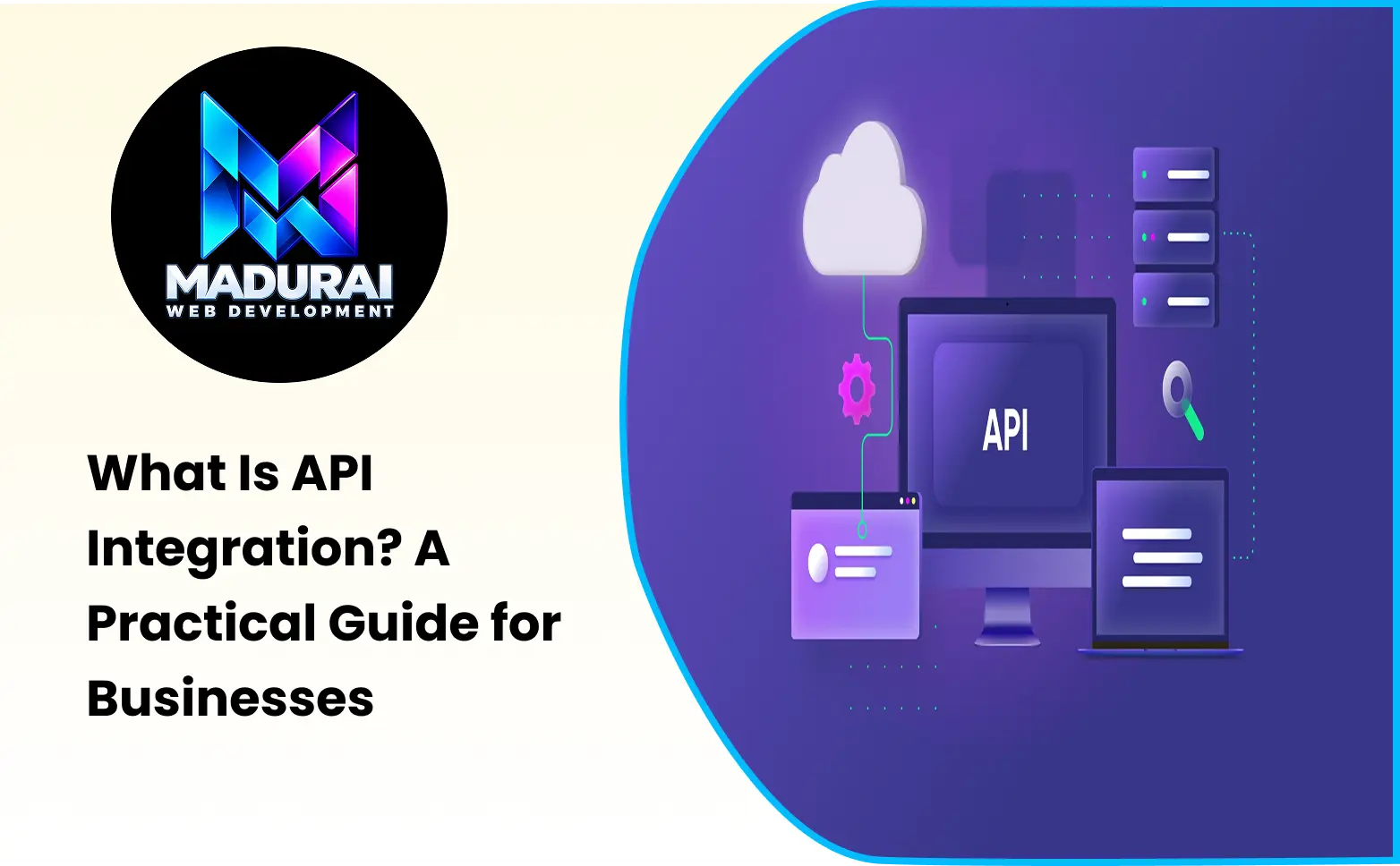
API integration is the process of connecting two or more software applications through Application Programming Interfaces (APIs) so they can exchange data and perform actions automatically.
For example, when an ecommerce website accepts an online payment, it communicates with a payment gateway through an API. The gateway processes the transaction and sends a response that the website uses to update the order status.
Businesses use API integration to connect websites, mobile applications, payment systems, CRM platforms, inventory software, accounting tools, and other digital services. It reduces manual work, improves data consistency, and allows different applications to operate as part of a connected business environment.
Introduction
Modern businesses rarely depend on a single software application to manage every operation. A company may use one system for customer management, another for accounting, a separate platform for online payments, and an ecommerce website for processing orders.
Although each application may work independently, managing information across multiple systems can become difficult. Employees may need to enter the same customer details repeatedly, update inventory manually, or transfer order information between platforms.
This is where API integration becomes important.
Instead of requiring every application to operate separately, APIs allow software systems to communicate and exchange information through defined interfaces. When implemented correctly, these connections can automate business activities and make information available where it is needed.
Understanding API integration helps business owners identify opportunities to improve operational efficiency, connect existing software, and build digital systems that support business growth.
1. What Is an API and Why Does It Matter?
API stands for Application Programming Interface. It is a defined way for one software application to request information or functionality from another application.
Think of an API as a communication interface between two systems.
For example, imagine a business website that needs to display delivery information from an external logistics provider. Instead of independently accessing the provider's internal database, the website sends a request through the provider's API.
The logistics system processes the request and returns the permitted information, such as a shipment status or tracking update.
An API defines how this interaction takes place, including the available operations, required information, authentication rules, and expected responses.
APIs are important because they allow developers to build applications that use existing services without recreating every function from the beginning.
A business can therefore connect specialised services while allowing each system to perform the tasks it was designed for.
2. What Is API Integration in Business Operations?
API integration refers to using APIs to establish communication between different software applications so they can exchange information or trigger actions.
For example, consider a business that receives customer enquiries through its website.
Without integration, an employee may need to copy the enquiry details into a CRM system, notify the sales team, and update a separate tracking sheet.
With an appropriate API integration, the website can send the enquiry information directly to the CRM. The CRM can create a customer record, assign the enquiry, and trigger a notification according to its configured workflow.
This reduces repetitive data entry and creates a more consistent process.
API integration can connect applications that are owned by the same company as well as services provided by external vendors. The connection may operate in real time, through scheduled synchronisation, or through event-based communication.
The exact implementation depends on the systems involved and the business requirement.
3. How API Integration Works
Understanding how API integration works becomes easier when the communication process is divided into a few stages.
Step 1: An Application Initiates a Request
The process begins when an application needs information or wants another system to perform an action.
For example, when a customer clicks the payment button on an ecommerce website, the website needs to communicate with the selected payment service.
Step 2: The API Receives the Request
The application sends a request to an API endpoint.
An endpoint is a specific address through which an application can access an available API operation.
The request may contain information such as an order reference, payment amount, customer identifier, or other required parameters.
Step 3: Authentication and Validation Take Place
The receiving system checks whether the request is permitted.
Depending on the API, authentication may use API keys, OAuth tokens, or other security mechanisms.
The system also validates the submitted information to confirm that it meets the expected requirements.
Step 4: The Receiving Application Processes the Request
After validation, the receiving application performs the requested operation.
In a payment example, the payment provider processes the transaction according to its payment workflow.
In a CRM integration, the receiving system may create or update a customer record.
Step 5: The API Returns a Response
The API sends a response to the requesting application.
The response may contain the requested data, a transaction reference, a confirmation message, or an error explaining why the operation could not be completed.
Step 6: The Application Uses the Response
The original application processes the response and performs the next action.
For example, an ecommerce website may display a payment confirmation and update the order status after receiving and verifying a successful payment result.
This request-and-response process forms the foundation of many API integrations. More advanced integrations may also use webhooks, background processing, and event-driven communication.
4. Different Types of API Integration
API integrations can be implemented in different ways depending on how applications communicate and the type of information they exchange.
REST API Integration
REST (Representational State Transfer) is a widely used architectural style for designing web APIs.
REST APIs commonly use HTTP methods such as:
- GET: Retrieve information from a resource.
- POST: Submit information or create a resource.
- PUT: Replace or update a resource.
- PATCH: Partially update a resource.
- DELETE: Remove a resource where permitted.
REST APIs frequently exchange information in JSON format, making them suitable for websites, mobile applications, and many business systems.
SOAP API Integration
SOAP (Simple Object Access Protocol) is a protocol for exchanging structured messages between applications.
It commonly uses XML-based messages and formal service definitions. SOAP is found in certain enterprise systems where established integration standards and structured communication requirements are important.
GraphQL API Integration
GraphQL is a query language and runtime for APIs that allows clients to request specific fields of information.
Instead of receiving a fixed response structure for every request, an application can request the data it needs through a defined GraphQL schema.
This can be useful when applications need flexible data retrieval, especially when multiple related resources are involved.
Webhook-Based Integration
A webhook is a mechanism through which one application sends an automatic notification to another application when a particular event occurs.
For example, a payment service may send a webhook notification when a transaction succeeds or fails.
Unlike a system that repeatedly asks whether an event has happened, a webhook allows the receiving application to respond when the event notification arrives.
Third-Party API Integration
Third-party API integration connects a business application with an external service.
Common examples include payment gateways, mapping services, email platforms, shipping providers, social media services, and cloud-based business software.
The best integration method depends on the API capabilities, security requirements, and communication needs of the business.
5. Practical API Integration Examples for Businesses
The best way to understand API integration is through real business scenarios. Different departments can use API connections to reduce manual activities and improve how information moves across the organisation.
Ecommerce Website and Payment Gateway
An ecommerce website can integrate with a payment gateway to process online transactions.
When a customer places an order, the website sends the necessary payment information through the gateway's approved integration process. The payment provider processes the transaction and returns a response.
The website then updates the order according to the verified payment status.
This integration helps businesses accept digital payments without building their own payment processing infrastructure.
Website and CRM Integration
A business website can connect with a CRM system to automatically transfer customer enquiries.
When a visitor submits a contact form, the integration can send the submitted details to the CRM, create a lead, and trigger an assignment or notification.
This reduces manual data entry and helps sales teams manage enquiries more consistently.
Inventory and Ecommerce Integration
An ecommerce store can communicate with inventory management software to synchronise product availability.
When an order is placed, the integration can update the relevant stock information. If inventory changes in the management system, the ecommerce website can receive the updated availability.
This helps reduce situations where customers order products that are no longer available.
Website and Shipping Provider Integration
An online store can connect with a logistics provider to generate shipping information and retrieve delivery updates.
The integration may support shipment creation, tracking references, delivery status, and other permitted logistics operations.
Customers can then receive more useful order updates without the business manually checking every shipment.
Accounting Software and Business Applications
An accounting system can receive invoice, payment, and order information from other applications through APIs.
For example, when an order is completed, the ecommerce platform may send relevant transaction details to the accounting system.
This can reduce repeated data entry and help businesses maintain more consistent financial records.
Mobile Application and Backend Integration
A mobile application often communicates with a backend API to retrieve information and submit user actions.
For example, a customer-facing application may use APIs to display account information, retrieve product details, submit booking requests, or access order history.
The API acts as the communication layer between the mobile interface and the backend application.
6. Benefits of API Integration for Businesses
The benefits of API integration for businesses go beyond connecting two applications. Well-planned integrations can improve operational processes, reduce repetitive tasks, and make digital systems more useful.
Reduced Manual Work
When applications exchange information automatically, employees do not need to repeatedly copy data between systems.
For example, a customer enquiry can move from a website to a CRM without requiring someone to enter the same details again.
Improved Data Accuracy
Manual data entry can introduce spelling mistakes, duplicate records, and inconsistent information.
API integration can reduce these problems by transferring information through structured formats and validation rules.
However, data accuracy still depends on the quality of the source information and how the integration handles errors.
Faster Business Processes
Automated communication between applications can reduce delays in order processing, customer updates, payment confirmation, and internal workflows.
This allows business teams to respond more efficiently when information becomes available.
Better Customer Experience
Connected systems can provide customers with more consistent information.
For example, an ecommerce website that receives accurate inventory and delivery updates can display more useful information during the purchasing journey.
Improved Operational Visibility
Integrations can bring information from different applications into a central business workflow or reporting environment.
This makes it easier for authorised teams to understand order activity, customer interactions, and other operational information.
Easier Expansion of Digital Services
As a business grows, it may introduce new applications or services.
A well-designed API architecture can make it easier to connect additional systems without rebuilding the entire application.
This supports gradual improvements and more flexible business operations.
7. Business Processes That Can Be Improved Through API Integration
API integration can be useful in several departments, depending on the applications a business already uses.
| Business Department | Integration Example | Operational Benefit |
|---|---|---|
| Sales | Website forms connected to CRM | More organised lead management |
| Ecommerce | Store connected to payment gateway | Online transaction processing |
| Inventory | Store connected to stock management | More accurate availability |
| Logistics | Orders connected to shipping services | Better shipment management |
| Finance | Orders connected to accounting software | Reduced duplicate data entry |
| Marketing | Website connected to marketing platforms | More organised campaign data |
| Customer Support | Customer records connected to support tools | Better access to customer information |
| Operations | Business applications connected to dashboards | Improved reporting visibility |
The value of integration depends on the actual workflow. Businesses should prioritise connections that solve recurring operational problems rather than integrating every available application.
8. API Integration Architecture: How Applications Communicate
An API integration requires more than simply connecting two URLs. Developers need to understand how information is transferred, processed, secured, and maintained.
A typical architecture may contain the following components.
Client Application
The client is the application that initiates the request. It may be a website, mobile application, internal business system, or another software service.
API Endpoint
The endpoint defines where a particular API operation can be accessed.
For example, an application may use different endpoints to retrieve products, create orders, or update customer information.
Authentication Layer
The authentication layer checks whether the requesting application has permission to access the service.
Depending on the implementation, this may use API keys, OAuth 2.0, access tokens, or other approved authentication methods.
Business Logic
The receiving application processes the request according to its rules.
This may involve validating data, checking permissions, updating records, calculating values, or triggering another operation.
Database or External Service
The application may retrieve information from its database or communicate with another service to complete the request.
API Response
The system returns a response containing the result of the operation or an appropriate error.
Developers should also consider logging, monitoring, rate limits, retry behaviour, and error handling. These elements help maintain reliable integrations when systems experience temporary failures or unexpected data conditions.
9. API Integration in Website Development: A Practical Example
Consider a Laravel-based ecommerce website that needs to connect with an external payment gateway.
The integration can be designed as follows:
Step 1: Customer Places an Order
The customer selects products, enters delivery details, and proceeds to payment.
Step 2: Laravel Creates an Order Record
The backend validates the order information and creates an order with an appropriate pending payment status.
Step 3: Backend Communicates With the Payment API
The Laravel application sends a request to the payment provider using its approved API integration method.
Step 4: Payment Provider Processes the Transaction
The customer completes the payment through the provider's supported payment interface.
Step 5: Payment Status Is Verified
The application receives a response or webhook notification. The backend verifies the transaction using the provider's recommended server-side process.
Step 6: Order Status Is Updated
After successful verification, the application updates the order status and makes the relevant confirmation available to the customer.
This example demonstrates how an API can connect an ecommerce website with an external service while allowing each system to handle its own responsibilities.
The same general approach can be applied to CRM connections, shipping integrations, inventory synchronisation, and other business workflows.
10. Common Challenges in API Integration
Although API integration offers significant advantages, implementation can involve technical and operational challenges.
Different Data Formats
Two applications may store the same information differently. One system may use a customer's full name in a single field, while another separates first and last names.
Developers need to map and transform information correctly before transferring it.
Authentication and Permission Issues
Incorrect API keys, expired access tokens, and insufficient permissions can prevent applications from communicating.
Authentication must be implemented securely, with appropriate access controls and token management.
API Rate Limits
Some services restrict how many requests an application can make within a specific period.
If the integration exceeds these limits, requests may be rejected or delayed. Developers should consider caching, request scheduling, and appropriate retry strategies.
Network and Service Failures
An external service may become temporarily unavailable or respond more slowly than expected.
Integrations should handle timeouts, failed requests, and temporary errors without creating duplicate transactions or inconsistent records.
API Version Changes
Third-party providers may update or discontinue older API versions.
Businesses should monitor provider documentation and plan updates to prevent integrations from breaking unexpectedly.
Data Security and Privacy
APIs may transfer customer information, financial records, and other business data.
Use HTTPS, secure credential storage, appropriate permissions, data validation, and logging practices that avoid exposing sensitive information.
Planning for these challenges during development makes integrations more dependable and easier to maintain.
11. API Integration Best Practices for Reliable Business Systems
A successful integration should be secure, maintainable, and designed around the actual business process.
- Use Official API Documentation: Review the provider's documentation before development. Understand supported endpoints, request formats, authentication, limits, and error responses.
- Protect API Credentials: Never expose secret API keys in public frontend code or source repositories. Store credentials securely on the backend and restrict access.
- Validate Incoming and Outgoing Data: Check required fields, expected data types, and permitted values before processing requests.
- Implement Proper Error Handling: Handle unsuccessful responses, timeouts, and unexpected errors with clear logging and suitable recovery behaviour.
- Prevent Duplicate Operations: For operations such as payments and order creation, use idempotency mechanisms where supported. This helps prevent repeated requests from creating duplicate transactions.
- Monitor Integration Activity: Maintain useful logs and alerts so technical teams can identify failures, delays, and unusual request patterns.
- Plan for API Updates: Track version changes and review integration compatibility before providers retire older endpoints.
- Test Before Production: Use sandbox environments and realistic test cases to verify normal operations, failed requests, and unusual scenarios.
These practices help businesses maintain integrations as their digital systems become more complex.
12. How to Identify Which API Integrations Your Business Needs
Not every business needs a large number of integrations. The most useful connections are those that solve clear problems or improve important workflows.
Start by reviewing how information currently moves between your business applications.
For example, ask whether employees repeatedly enter the same customer details, whether inventory is updated manually, or whether payment information needs to be transferred between systems.
Then identify the applications involved and check whether they provide suitable APIs.
A practical evaluation should consider:
- The business problem the integration is expected to solve.
- The applications that need to exchange information.
- The data that must be transferred and the direction of communication.
- Security, authentication, and privacy requirements.
- Expected request volume and performance needs.
- Development cost, ongoing maintenance, and provider limitations.
- How integration success will be measured.
Prioritise integrations that reduce repeated work, prevent operational errors, or improve customer-facing processes.
A phased implementation is often more manageable than connecting every application simultaneously.
13. API Integration vs Manual Data Transfer
Businesses sometimes continue using manual processes even when their software applications provide APIs.
Manual data transfer may be sufficient for occasional activities involving small amounts of information. However, it becomes increasingly difficult to manage when the same process happens frequently or involves multiple systems.
| Comparison | Manual Data Transfer | API Integration |
|---|---|---|
| Information movement | Entered or transferred by employees | Exchanged through software |
| Processing speed | Depends on manual effort | Can operate automatically |
| Repeated tasks | Require recurring human input | Can reduce repetitive work |
| Data consistency | More vulnerable to entry errors | Can use structured validation |
| Scalability | May require additional staff effort | Can support larger workflows when designed properly |
| Initial effort | Often simple to begin | Requires integration planning and development |
| Maintenance | Process and staff coordination | Technical monitoring and updates |
API integration is not always necessary. For occasional data transfers, manual processes may remain practical.
However, when information needs to move frequently between systems, automation can provide significant operational value.
14. The Future of API Integration in Business Technology
As businesses adopt more cloud-based software, mobile applications, automation tools, and connected digital services, the ability to exchange information between systems becomes increasingly important.
API-driven architecture allows companies to introduce new services without rebuilding every existing application.
For example, a business may begin with a website connected to a CRM and later introduce inventory synchronisation, automated notifications, and reporting integrations.
Event-driven systems and webhook-based communication can also help applications respond to business activities as they happen.
However, a growing integration environment requires good architecture, documentation, security controls, and ongoing monitoring.
Businesses should focus on building a connected technology environment that supports their actual operations rather than adopting integrations simply because they are available.
Conclusion
API integration plays an important role in connecting modern business applications and enabling them to exchange information efficiently. From payment processing and inventory management to CRM connections and shipping updates, APIs help different systems work together without requiring every function to be developed independently.
Understanding what API integration is allows businesses to identify repetitive tasks, improve data movement, and build more connected digital workflows.
The most effective approach begins with a clear business requirement, selects the appropriate API, and implements the connection with proper authentication, validation, error handling, and monitoring.
Whether a business operates an ecommerce website, a customer management platform, or a custom web application, well-planned API integration can support more efficient operations and a stronger foundation for future digital growth.